The five things to capture
You don't need a transcript. You need:- Decisions: what was agreed. "Go with option B for the homepage."
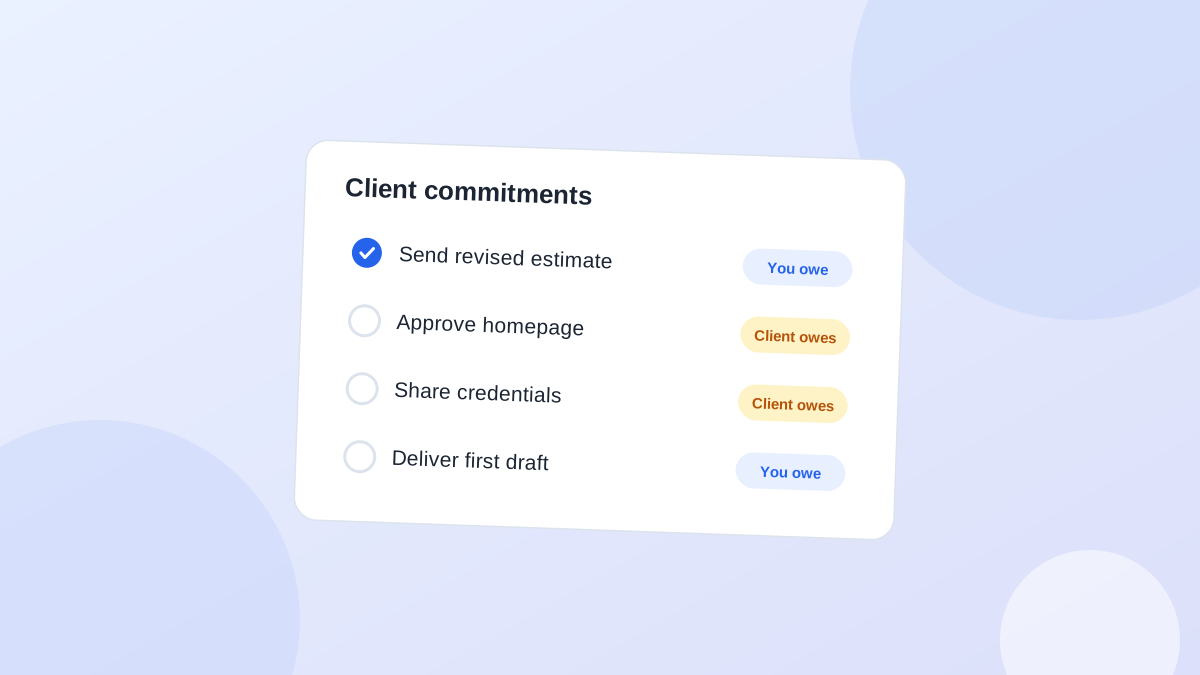
- Our promises: what you said you'd do. "Send revised timeline by Wednesday."
- Their promises: what the client said they'd do. "Tom will get budget sign-off this week."
- Open questions: what wasn't settled. "Still unclear who owns the copy."
- Next step: the one thing that happens next, with a date.
Do it before the next thing
The window is short. Five minutes after the call you remember the detail. Two hours later you remember the mood. A day later you remember there was a call.Block five minutes after every client meeting in your calendar. If back-to-back calls are normal for you, keep a scrappy note during the call with three headings: decided, promised, next. Tidy it up later.The recap email
Send it the same day. Keep it short enough that the client actually reads it:Hi Tom, thanks for today. Quick recap. Decided: we'll go with option B for the homepage. We'll send: the revised timeline by Wednesday. You'll send: budget sign-off by Friday. Still open: who writes the product copy, could you let me know? Next call: Tuesday 10am.In a real email, put each part on its own line. The recap does three jobs. It confirms you heard the same thing. It reminds the client of their promise, in writing. And it gives you a dated record if anyone disagrees later.
Turn it into tracked actions
The recap email is for the client. You still need the actions in your own list:ItemTypeDate
Send revised timelineYour actionWed
Budget sign-off from TomWaitingCheck Fri
Ask who owns the copyYour actionThu, if no reply
Spend the last five minutes of the call differently
Most calls end with "great, let's catch up next week" and a scramble for the next meeting. Reserve the last five minutes for a read-back instead. Say it out loud:Before we go, let me read back what I've got. We're going with option B. I'll send the revised timeline by Wednesday. You'll confirm the budget by Friday. And we still need to decide who writes the copy. Did I miss anything?Three things happen. The client corrects misunderstandings while everyone is still there. Their promises get said back to them, which makes them more likely to happen. And your recap email is now just a transcript of something they already agreed to.If you run the meeting, put "Read-back, 5 min" on the agenda as the last item. People stop treating it as optional when it's written down.The read-back works partly because it turns vague intentions into specific ones. "We'll look at the budget" becomes "Tom confirms the budget by Friday." Research on implementation intentions, plans that state what someone will do and when, found they substantially improve follow-through compared with a general intention (Gollwitzer and Sheeran, 2006). Saying the date out loud, in front of others, is about as specific as it gets.
When the client remembers it differently
Sooner or later a client will say "that's not what we agreed." A same-day recap is your best protection, but how you use it matters. Don't paste it back with "as per my email." Instead:Hi Tom, I might have misunderstood on the call. My notes from the 4th say we'd go with option B, with copy written on your side. If that's changed, no problem, let's just agree the new version and I'll update the timeline.You get the record on the table without making anyone wrong. For long projects, keep a simple decision log on the client record: date, decision, who decided. It turns "I thought we said..." arguments into a 30-second lookup.
When there's a teammate on the call
Decide who sends the recap before the call ends. "I'll send the recap" said out loud saves two people writing it, or worse, nobody writing it.If different people own different actions, put their names on them. "We'll send the timeline" is how things fall through.A quick checklist
After every client call, before you open email:- Decisions written down
- Your promises listed with dates
- Their promises listed with check dates
- Recap email sent or scheduled
- Next step in your follow-up list
Common questions
Should I record client calls?
Recordings and AI transcripts can help, but they don't replace the five-minute summary. Nobody rewatches a 45-minute call to find one promise.What if the client sends their own recap?
Great. Read it, correct anything that's different, and still add the actions to your own list.How long should a recap email be?
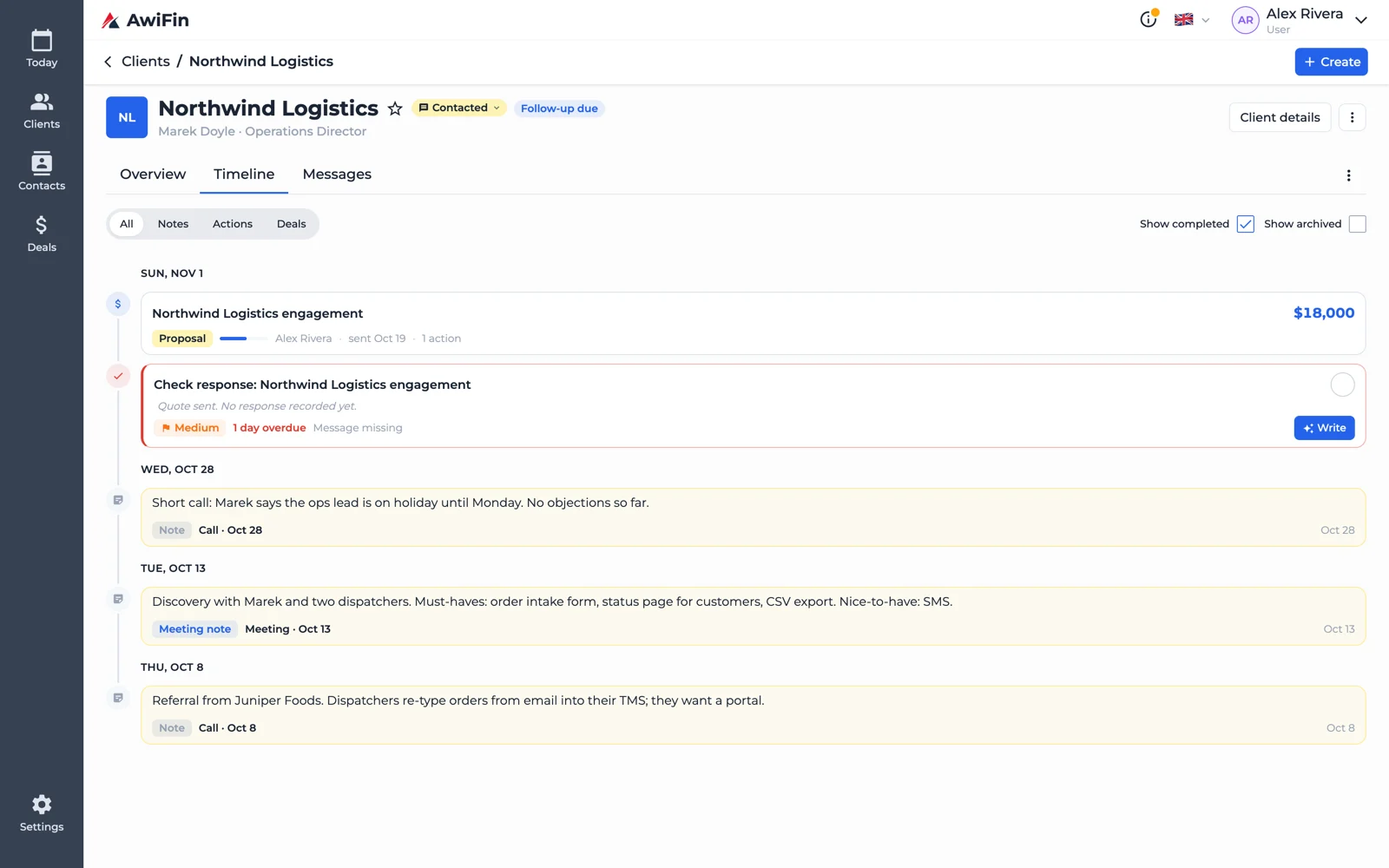
As short as possible. If it doesn't fit on a phone screen without scrolling, cut it.Call notes in AwiFin
Sources
- P. M. Gollwitzer and P. Sheeran, Implementation intentions and goal achievement: A meta-analysis of effects and processes, Advances in Experimental Social Psychology, 2006.