Decide what problem you're solving
Most small agencies are solving one of these:- "We lose track of leads and proposals." You need a pipeline plus next actions.
- "We forget follow-ups with existing clients." You need next actions and waiting items that continue after the deal.
- "Our contacts are a mess." You need a clean contact database.
- "We want everything in one place." You need a flexible workspace and the patience to build it.
The main types of tools
TypeExamplesBest when
Pipeline-first CRMPipedriveYou have a steady flow of new deals
All-in-one suiteHubSpotYou also want marketing and service tools
Contact-first CRMfolkRelationships and contact lists matter most
Flexible data CRMAttioYou want to model your own records and views
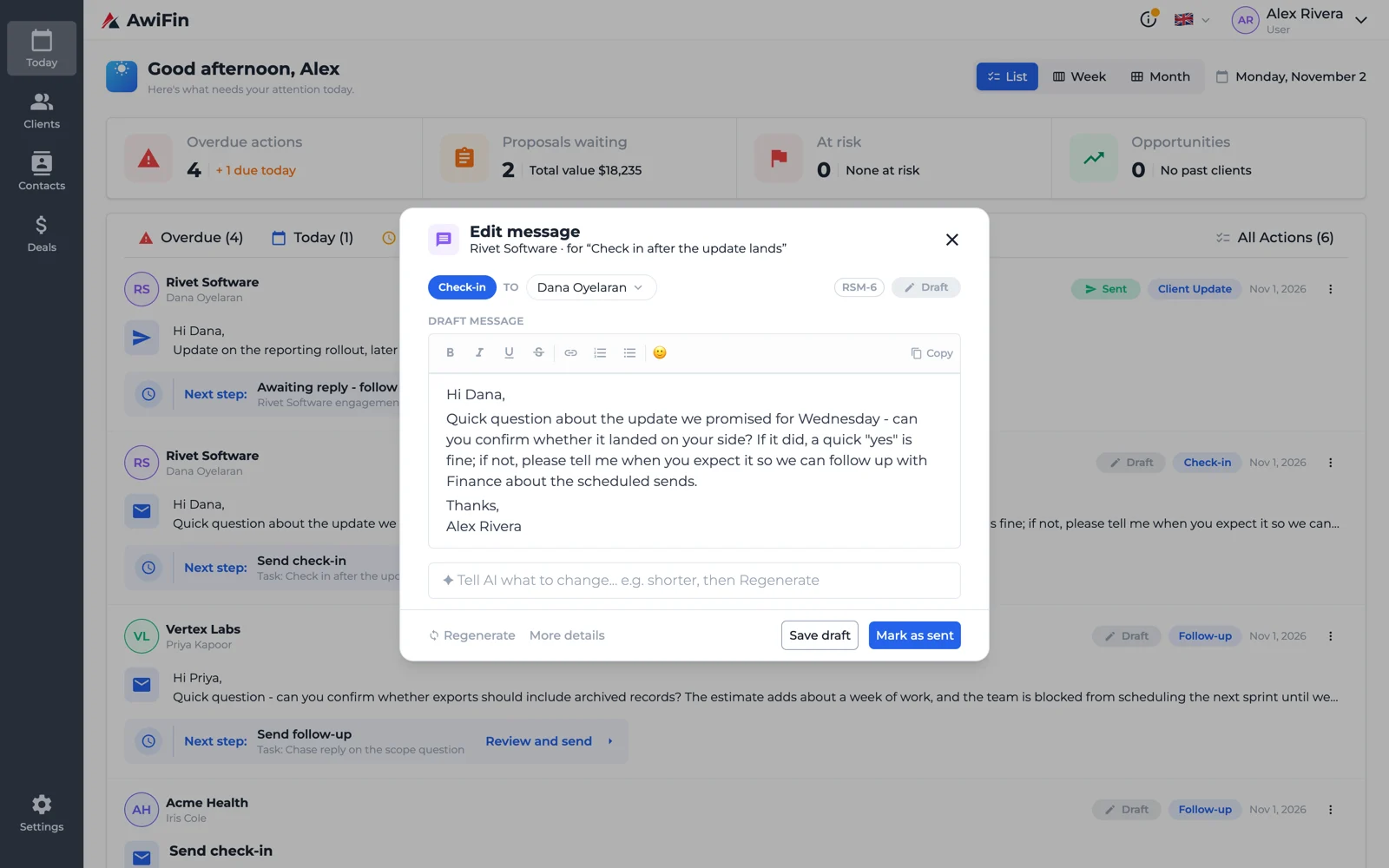
Next-action CRMOnePageCRM, AwiFinYour main problem is knowing who to chase next
DIY workspaceNotion, AirtableYou enjoy building your own system
What to test in the first week
Run every candidate through the same test with five real clients:- Speed of capture. After a call, how long does it take to add a note and a next action? Over a minute is a red flag.
- Daily view. Is there one screen that shows overdue, today and waiting? Or do you have to build a report?
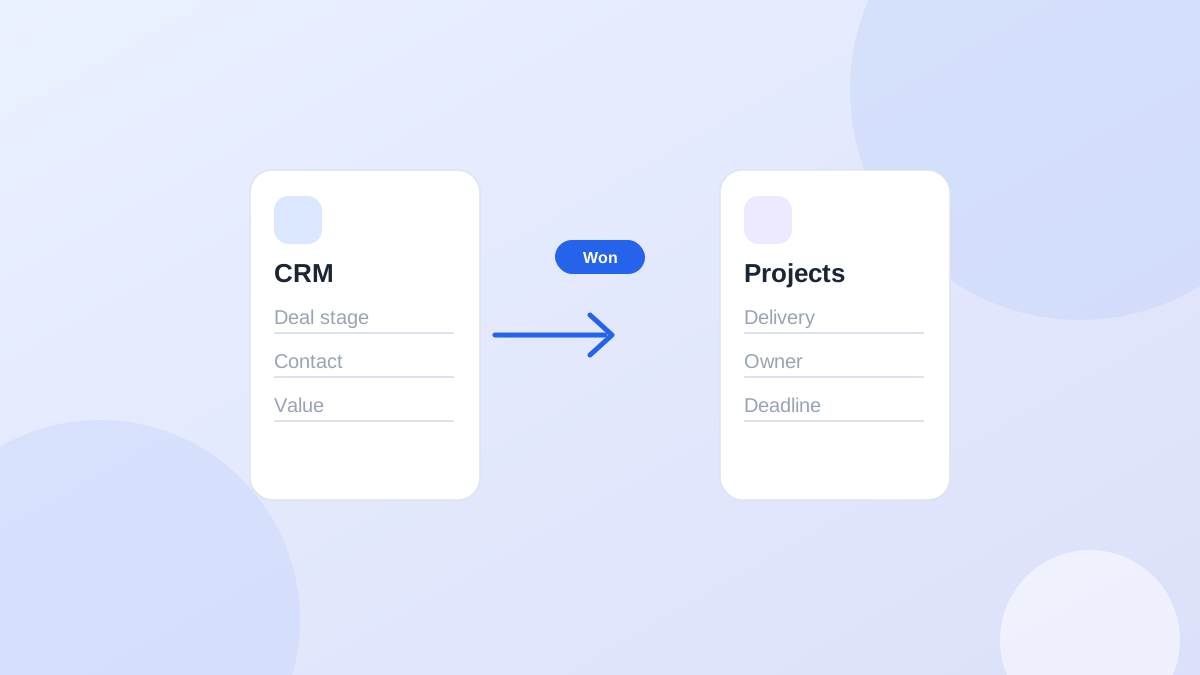
- After the deal. What happens to a client after "won"? Do follow-ups continue, or does the record disappear?
- Email. Can replies land on the client record without copy-pasting?
- Writing help. Does it help you write the follow-up, or only remind you to?
- Exit. Can you export everything?
Score it, don't just feel it
After a week, opinions blur. A simple weighted score keeps you honest. Rate each tool from 1 to 5 on each line, multiply by the weight, and add it up:CriterionWeightWhat a 5 looks like
Daily view of who needs you3Open it, see today's list, act, no setup
Capture speed after a call3Note plus next action in under a minute
Waiting items with check dates2"Waiting on client" is a separate state, not an overdue task
After the deal2Won clients keep next actions and history
Email on the client record2Replies show up without copy-paste
Writing help1Drafts use the client's actual history
Export1Full export including notes, tested on day one
Price at your size in a year1Still affordable with the team you'll have
Questions to ask in a demo or sales chat
- "Show me what happens to a client after the deal is marked won."
- "How do I see everything that's waiting on the client, and since when?"
- "What does the free or entry plan cap, and what happens when I hit the cap?"
- "Can I export notes and activity history, not just contacts?"
- "What's the most common reason customers my size leave?"
Questions to ask about pricing
- Is there a free plan, and what does it cap: clients, contacts, users, or history?
- Are AI or email features add-ons?
- Does the price jump sharply at a certain team size?
- Is a credit card required to start?
When a bigger tool is the better fit
Be honest about this. A lightweight tool isn't always right:- High-volume outbound sales: a pipeline CRM plus a sales engagement tool will serve you better.
- Marketing-led growth: a suite with forms, email and attribution earns its complexity.
- Complex, custom data: a flexible CRM or a database tool gives you room to model it.
Common questions
Should a founder-led agency use the same CRM as a sales team?
Usually not. A founder juggles sales, delivery and client care. You need a tool that shows all three kinds of next step, not just deals.Is it bad to switch CRMs?
Switching costs a weekend. Staying on a tool nobody updates costs follow-ups every week. Import only active clients and start fresh.What about web development or software agencies?
The same test applies. The difference is that projects run longer, so what happens after "won" matters more. See what happens after you win the deal.Where AwiFin sits among these
Sources
- HubSpot, CRM pricing and free plan limits, checked October 2026.
- Zoho, Zoho CRM pricing, checked October 2026.
- Attio, Pricing, checked October 2026.
- Pipedrive, Pricing, checked October 2026.