What Notion does well for client management
- Documents next to clients. The brief, the proposal and the meeting notes can all sit on the client page.
- Flexible databases. You can add any property you like: status, budget, owner, next follow-up date.
- Templates. A new client page can come with the same structure every time.
- Your team already uses it. No new tool to learn.
A basic Notion client tracker
If you want to try, keep it small:PropertyTypeWhy
ClientTitleThe name
StatusSelectLead, proposal, active, paused
Next actionTextWhat happens next
Next action dateDateWhen
Waiting onSelectUs or them
OwnerPersonWho's responsible
Build it step by step in 20 minutes
- Create a full-page database called Clients. Rename the title property to "Client."
- Add the five other properties from the table above. For Status, create the options Lead, Proposal, Active and Paused. For Waiting on, create Us and Them.
- Add a "Last contact" date property. You'll use it for the formulas below.
- Create a second database called Meeting notes, with a Date property and a Relation property pointing to Clients. Turn on "Show on Clients" so each client page lists its notes.
- Add a database template for new clients with three headings in the page body: Context, Decisions, Promises. New clients then start with the same structure.
- Build the views (Today, Waiting, Gaps) described in the next sections, and drag Today to the first position so it opens by default.
- Import your current clients as rows. For each one, fill in Next action and Next action date before moving on. This is the step that actually creates value.
- Share the database with your team and agree one rule: nobody closes a client page after a call without updating Next action.
Where follow-ups slip in Notion
The problems usually appear after a month or two:- Next actions go stale. Nothing prompts you to update the date after you follow up, so the view fills with old items and you stop trusting it.
- Email lives elsewhere. Client replies are in your inbox. Notion doesn't know a reply arrived, so the "waiting" item stays open.
- History is manual. If you don't paste notes in, the client page doesn't show what happened last.
- Writing the message is separate. You read context in Notion, then switch to email to write.
- The system drifts. Someone adds properties, someone else adds a new view, and soon there are three versions of "the client list."
Option 1: tighten the Notion setup
If you want to stay in Notion:- Keep the client database to the six properties above.
- Treat "Next action date" as required: no empty dates.
- Review the daily view every morning and the waiting view every Friday.
- After every call, update the next action before closing the page.
Formulas and buttons that keep it honest
The biggest weakness of a Notion tracker is that nothing changes unless you change it. A few additions help. The functions below (today(), dateBetween(), empty(), if()) are documented in Notion's formula reference; exact property names will depend on your database.AddHow
Days overdueFormula property: dateBetween(today(), prop("Next action date"), "days")
Status flagFormula: if(empty(prop("Next action date")), "No next action", if(prop("Next action date") < today(), "Overdue", "OK"))
Days since last contactFormula on a "Last contact" date property: dateBetween(today(), prop("Last contact"), "days")
"Logged contact" buttonA button property on each row that edits "Last contact". Check the date options in the button's edit step; if setting today's date isn't offered, use a "Contacted this week" checkbox instead
- Today: Next action date on or before today, sorted by date.
- Waiting: Waiting on is "Them," sorted by next action date.
- Gaps: Status flag is "No next action." This is the view most teams forget, and it's where clients quietly disappear.
Option 2: Notion for docs, a follow-up tool for actions
This split works well for many small agencies:- Notion: briefs, proposals, meeting notes, SOPs, knowledge.
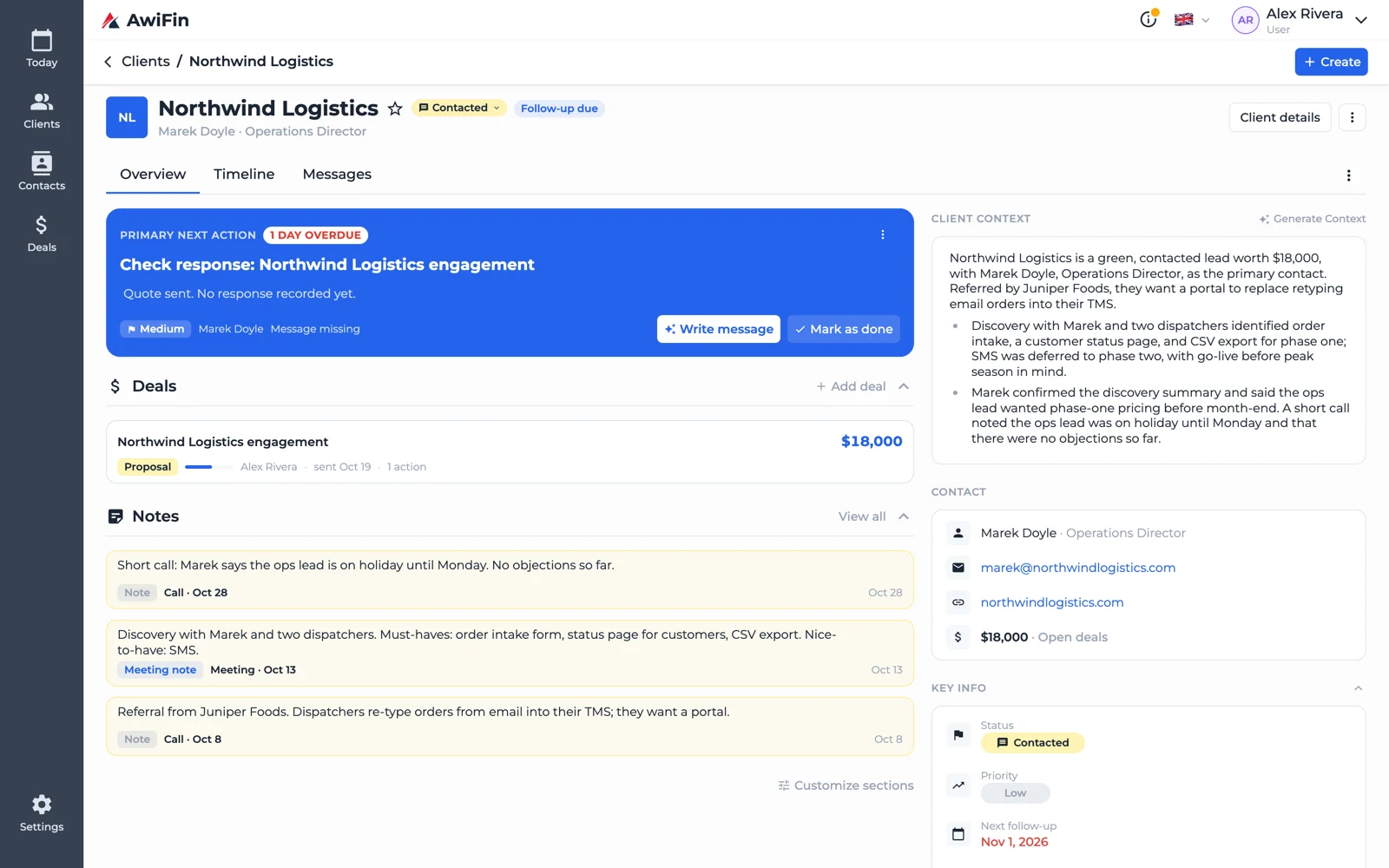
- Follow-up tool: each client's next action, waiting items, message history and the daily list.
Common questions
Is there a good Notion CRM template?
There are many. The template matters less than the habit: a daily view you open, and next action dates you keep current.Can Notion send follow-up reminders?
Notion can remind you about date properties. It still won't know when a client replies by email, so you'll need to close items by hand.Should I move everything out of Notion?
No. Keep docs where your team already reads them. Only move the part that's failing, which is usually the follow-ups.How AwiFin works with Notion
Sources
- Notion, Formula syntax and functions, help center, checked October 2026.