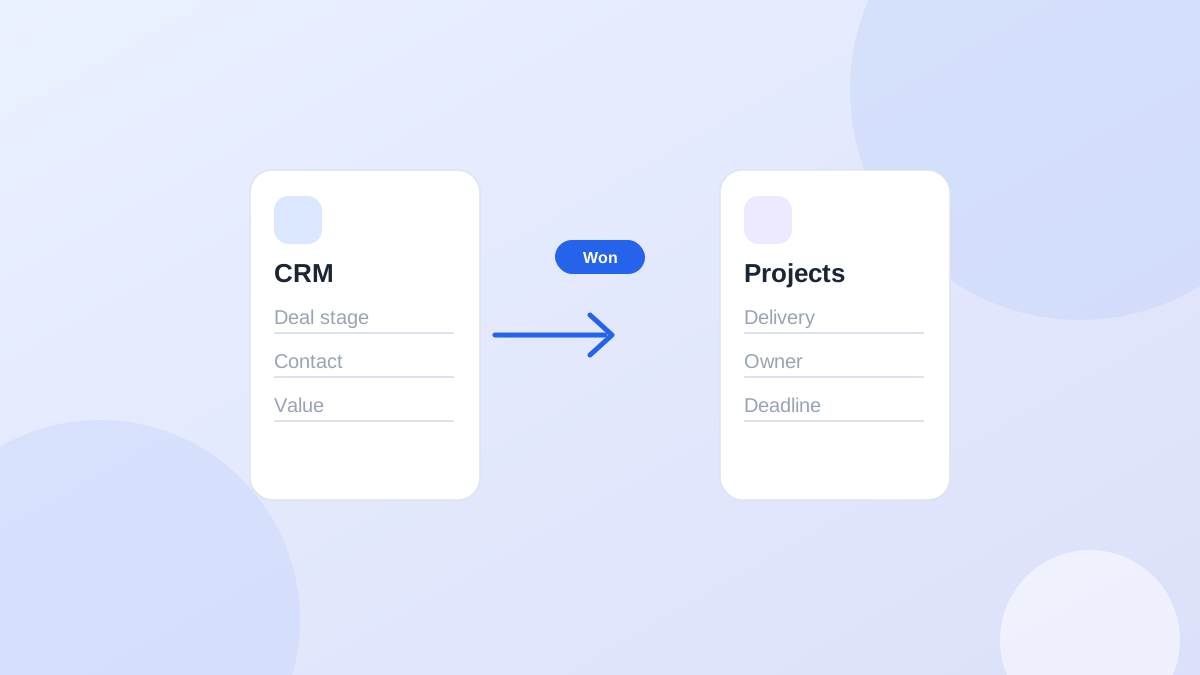
Reason 1: the pipeline shows stages, not actions
A pipeline board tells you a deal is in "Proposal sent." It doesn't tell you that you promised to send a revised price on Tuesday, or that you're waiting on the client's budget call.Stage is where something is. Next action is what happens next. You need both, and many teams only fill in the first one.Reason 2: deals end, relationships don't
Most CRMs focus on getting to "won." After that, the deal is closed and drops out of view. But for an agency, the next six months of approvals, check-ins, upsells and renewals happen after "won." If the CRM only tracks deals, those follow-ups end up in the project tool, an inbox, or nowhere. More on that gap in CRM vs project management for agencies.Reason 3: activity is logged, next steps aren't
Many CRMs are good at logging what happened: emails synced, calls recorded, meetings attached. That's history. Without a next action, history doesn't tell you what to do tomorrow. A record with fifty logged emails and no next step looks busy and is quietly going cold.Reason 4: tasks are separate from the client
Some teams handle follow-ups in a task manager next to the CRM. That works until tasks lose their link to the client. "Follow up Thursday" in a to-do app doesn't show you the last three messages, and the CRM record doesn't show you the task.ToolGood atWeak at
CRM pipelineWhere each deal standsWhat to do next, after the deal
Task managerReminding you on a dateClient context
InboxConversationsKnowing what's still open
Reason 5: the CRM is updated after the fact
If the CRM is where you write things down at the end of the week, it's a record, not a system. Follow-ups happen in real time. The tool you use to decide what to do today has to be the one you update right after each interaction.How to fix it with the CRM you already have
You don't necessarily need a new tool. Try this first:- Make "next action" required. Every open deal and every active client needs one, with a date. Most CRMs, including Pipedrive and HubSpot, let you add an activity or task to a record. Use it every time.
- Keep won clients in view. Create a simple "active client" stage or list so relationships don't vanish after the deal closes.
- Start the day from the activity list, not the pipeline board.
- Update right after each interaction. Two minutes after the call, not Friday afternoon.
- Review records with no next action once a week. Those are the ones slipping.
Audit your CRM in 15 minutes
Before deciding whether the CRM or the habit is the problem, measure it. Export your open deals and active clients (or build a list view) and count:- Records with no scheduled next activity. Most CRMs can show this. In HubSpot, filter on a next activity date that is unknown. Pipedrive flags deals that have no activity scheduled. Every one of these is a follow-up nobody is planning to do.
- Won clients with no open activity at all. This shows how much of your relationship work falls off after the sale.
- Overdue activities older than seven days. These aren't reminders anymore. They're noise people have learned to ignore.
- Deals where the last activity is older than the typical sales cycle. If deals usually close in three weeks and one hasn't been touched in six, it's either dead or forgotten. Decide which.
When the CRM is the wrong shape
Sometimes the problem is structural. Your CRM is built for a sales team chasing many deals, and you're a small agency managing twenty ongoing relationships. If you keep fighting the tool to see "who needs me today," a lighter, next-action tool may fit better, either alongside the CRM or instead of it. See how to choose a lightweight CRM for a small agency.Common questions
Should I use a CRM or a task manager for follow-ups?
Use whichever keeps the next action and the client context together. If they're in separate tools, you'll eventually lose one.Do I need to log every email in the CRM?
No. Log what changes the next action: decisions, promises, objections. An inbox sync can handle the rest.How many follow-ups is normal to have open?
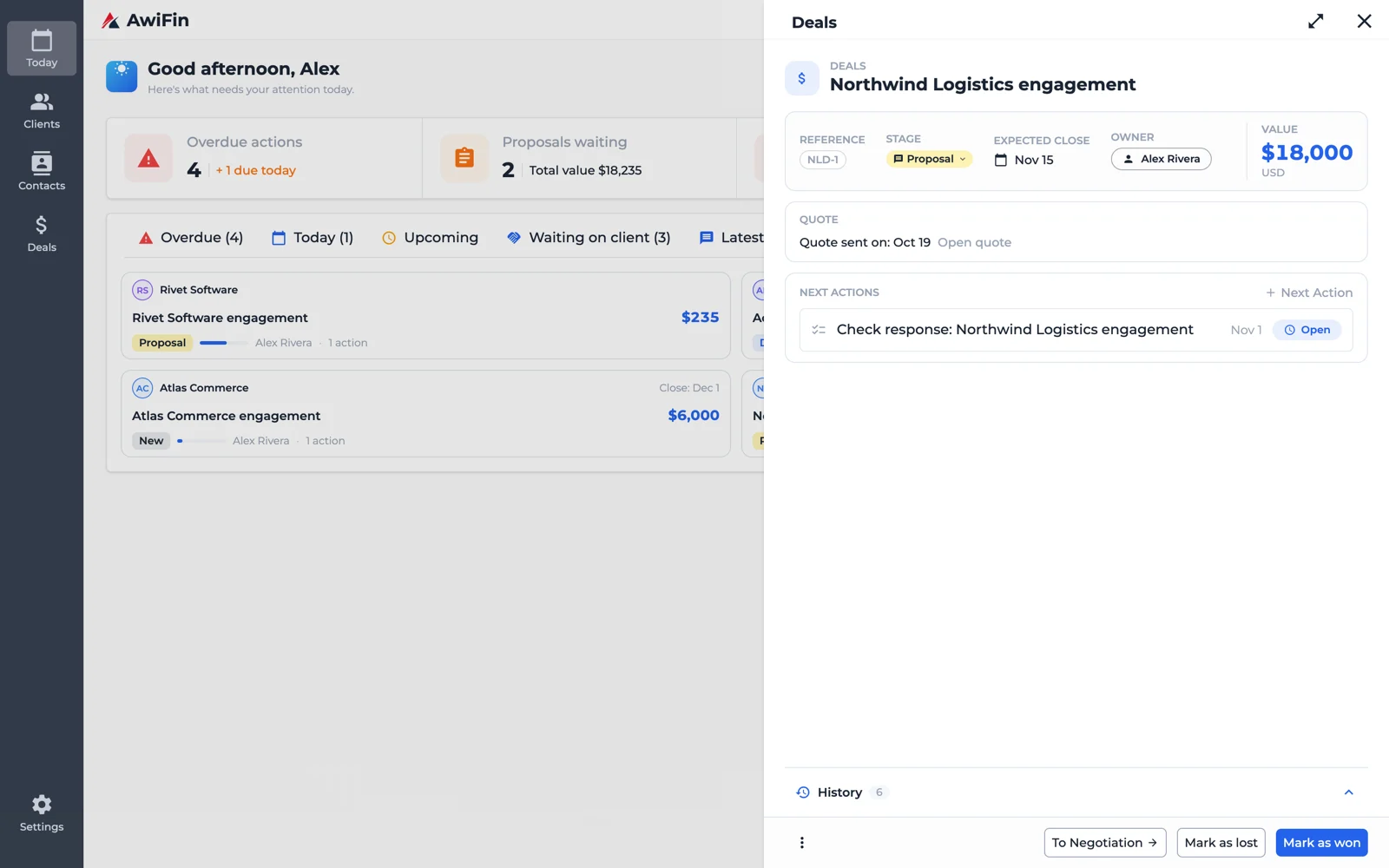
One per active relationship is a good target. More than that and the list gets noisy. None means something is probably being forgotten.Next actions after the deal, in AwiFin
Sources
- Salesforce, State of Sales, 5th edition, survey of 7,775 sales professionals, 2022.