What you actually need
Strip away the features and a small agency needs to answer four questions quickly:- Who are we talking to? Clients, prospects and their contacts.
- What happened last? A short history per client.
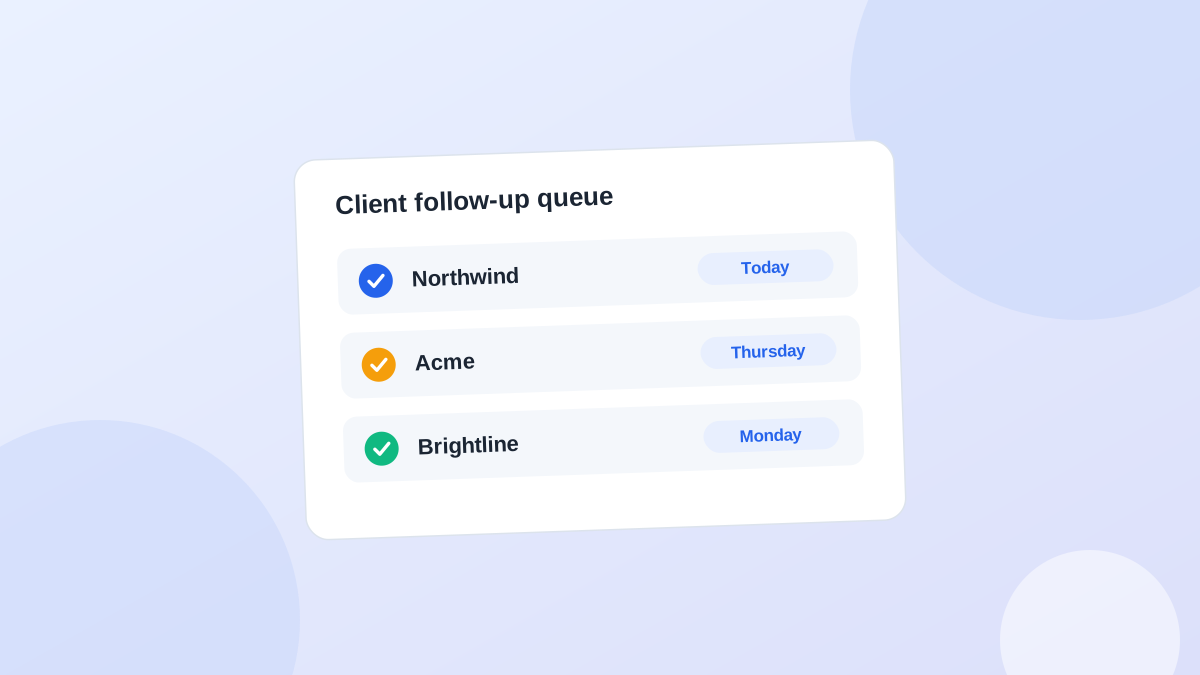
- What happens next, and when? One next action with a date.
- Who owes whom? Are we waiting on them, or are they waiting on us?
What you can probably skip
These are useful for bigger sales teams. Small agencies rarely need them on day one:- Lead scoring
- Sales forecasting and quota reports
- Territory and team management
- Complex automation workflows
- Marketing email campaigns
- Dozens of custom fields per deal
Signs you do need something
You've outgrown memory and an inbox when:- A proposal went quiet and you noticed weeks later.
- A client asked "did you get my email?" about a request you forgot.
- You keep a list on a sticky note because the "real" system is too slow to update.
- A teammate followed up with a client you'd already spoken to that morning.
- You can't answer "who needs us this week?" without opening five tools.
Three ways to handle it
OptionGood forWatch out for
SpreadsheetSolo, under about 10 clientsStale dates, no history
Full CRMSales-heavy agencies, many leadsSetup time, data entry nobody keeps up
Lightweight follow-up toolSmall teams managing relationshipsLess reporting than a full CRM
Managing clients without a traditional CRM
If you'd rather avoid a CRM for now, this works for many small agencies:- One list of every active client and open prospect.
- One next action with a date on each.
- A five-minute recap after every call.
- A morning routine: start from the list, not the inbox.
The minimum setup for a 2 to 5 person agency
Whatever tool you pick, a spreadsheet, a CRM or something lighter, this is the smallest setup that reliably works for a team of two to five. It takes about 30 minutes.Fields (per client): name, main contact, status (lead, proposal, active, past), next action, next action date, waiting on (us or them), owner, one line of notes on the last interaction. Eight fields. Resist adding more for the first month.Views: three, nothing else.ViewShowsWho opens it
TodayNext action date on or before today, ball with usEveryone, every morning
WaitingBall with them, sorted by check dateOwner, every Friday
GapsActive clients with no next actionFounder, every Friday
- Every active client has exactly one owner. Two names means nobody.
- Nothing leaves a call without a next action and a date. If there's genuinely nothing, the next action is "check in" a few weeks out.
- Update within the hour. End-of-week updating is how records go stale.
- Friday, 15 minutes: walk the Waiting and Gaps views together. This is the only meeting the system needs.
Put a number on it
"Should we get a CRM?" is easier to answer with your own numbers than with opinions. Estimate the cost of follow-ups you currently miss:Proposals sent per month × share that go quiet × share a timely follow-up might have saved × average project valueA purely illustrative example: 6 proposals a month, half go quiet, and you think a good follow-up might have rescued one in five of those. With an average project of 8,000, that's 6 × 0.5 × 0.2 × 8,000 = 4,800 a month in work you're possibly leaving on the table.Your numbers will be different, and the "might have saved" part is a guess. But even if you halve the result, compare it with the price of any tool and the hour a week it takes to keep it updated. Do the same for existing clients: a single lost retainer renewal usually costs more than years of software.For new inquiries, timing matters even more than for proposals. A Harvard Business Review study of over a million sales leads found that companies contacting a web lead within an hour were nearly seven times as likely to qualify it as those that waited even one hour longer (Oldroyd, McElheran and Elkington, 2011). The study looked at larger sales organisations, not small agencies, but the direction is clear: an inquiry that sits in the inbox for two days is worth less than one answered the same morning.If the number comes out small, that's a valid answer too. Keep your spreadsheet and spend the time on sales.
A quick test
Answer honestly:- Can you list every open proposal and when you'll follow up on each?
- Do you know what each active client is waiting on from you?
- If you were off sick tomorrow, could a teammate pick up your follow-ups?
Common questions
What's the best CRM for a two-person agency?
The one you'll update after every call. For most two-person teams that means something simple, with a daily view and little setup. See how to choose a lightweight CRM.Is a free CRM good enough?
Often, yes. See free CRM for small agencies for what to check before you rely on one.Can I use my project management tool instead?
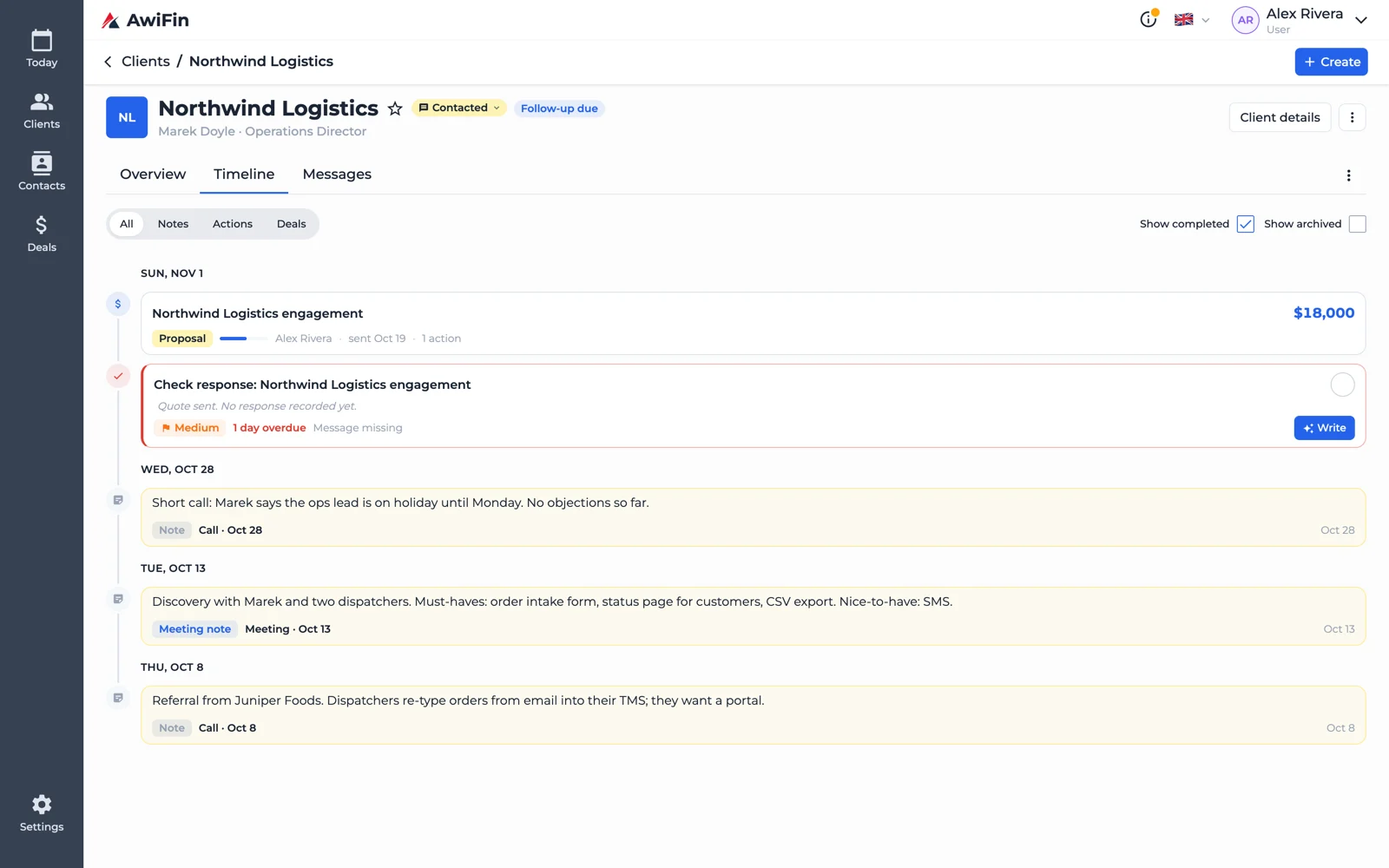
For delivery tasks, yes. For sales follow-ups and relationship check-ins, it usually gets messy. See CRM vs project management for agencies.The four basics in AwiFin
Sources
- J. B. Oldroyd, K. McElheran and D. Elkington, The Short Life of Online Sales Leads, Harvard Business Review, March 2011.