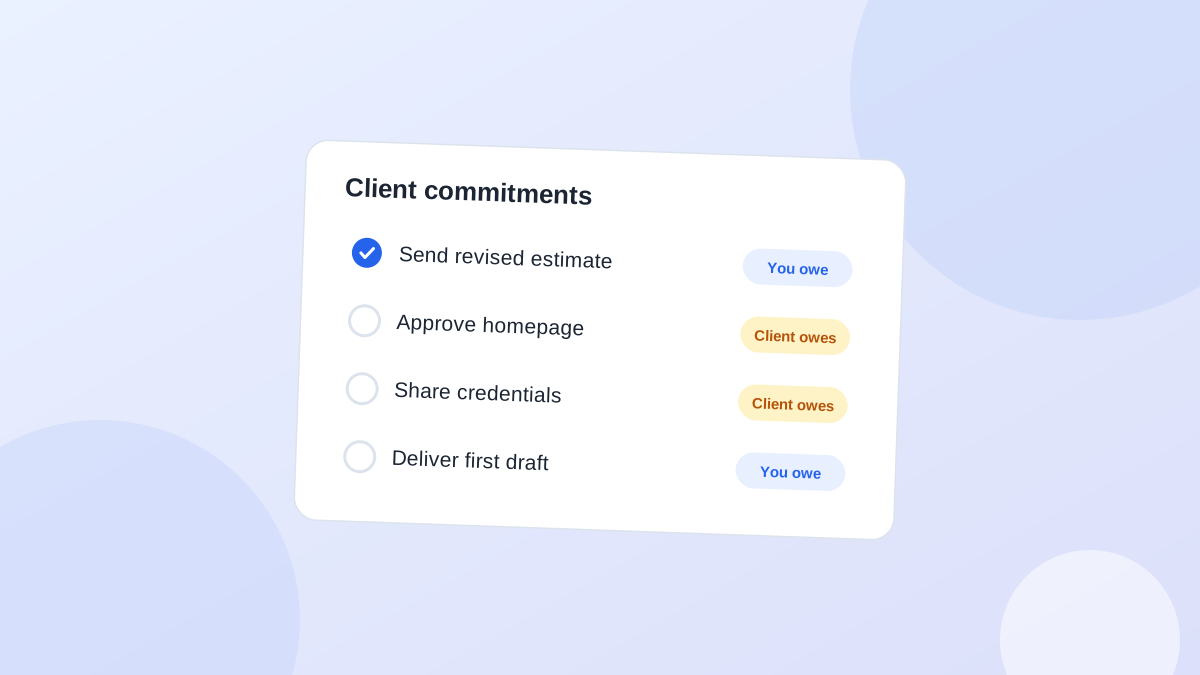
Why approvals go missing
- You tick it off when you send the request. The task "send homepage for approval" is done. The approval itself isn't tracked anywhere.
- The client doesn't know it's blocking you. To them it's one email out of fifty. They have no idea your timeline depends on it.
- The request was vague. "Let us know what you think" isn't an approval request. Nobody knows what "done" looks like.
- The approver isn't the person you emailed. Your contact likes it but has to ask their boss, and that step is invisible to you.
Ask for approval in a way that can be answered
Good approval requests are specific and have a date:Hi Tom, the homepage design is ready for sign-off. Could you confirm by Thursday if it's approved as is, or send any changes? We need the go-ahead by Friday to keep the launch on the 20th.That message names the thing, gives a deadline, explains why the deadline matters, and offers two clear answers. It's also short enough to forward to the person who actually decides.
Track it as "waiting," not "done"
Once you've asked, the item moves to a waiting state. It needs:- What you're waiting for: "homepage design approval," not "feedback"
- Who has it: Tom, or Tom's manager if you know
- Check date: when you'll look again if nothing arrives
- Impact: what slips if it's late (optional, but useful for the reminder)
ClientWaiting forFromCheckIf late
NorthwindHomepage approvalTomThuLaunch moves
AcmeProduct photosPriyaMonShop pages blank
VertexHosting loginIT teamTomorrowCan't deploy
Pick check dates on purpose
- Approval needed for a deadline: check one or two days before you actually need it.
- No hard deadline: three to five business days.
- Things that block other work (logins, files): check early. A day or two.
Reminders that don't feel like nagging
Keep reminders short and tied to the impact:Hi Tom, quick check on the homepage sign-off. If we have it by tomorrow, the launch stays on the 20th. Anything I can clarify?If the second reminder doesn't work, ask whether someone else needs to be involved:
Is there anyone else who should see the design before it's approved? Happy to walk them through it on a short call.That one question often unblocks the whole thing. The approval was stuck with someone you'd never spoken to.
Fix approvals in the contract, not in the inbox
The most reliable approval process is agreed before the project starts. Many agencies add a short "client responsibilities" section to their proposal or statement of work. Typical points:- Feedback window. The client gives feedback within a set number of business days of each delivery (five is common).
- Timeline shift. If feedback arrives late, the delivery dates move by the same number of days. This isn't a penalty. It just makes the cost of waiting visible.
- One approver. The client names one person who consolidates feedback and gives final sign-off. This prevents "the CEO saw it and has new ideas" after you thought it was approved. It also fights a well-documented effect: when responsibility is shared, each person feels less of it. In the classic experiment, 85% of people who believed they alone heard someone in trouble went for help, compared with 31% of those who believed four others also heard it (Darley and Latané, 1968). Send an approval to "the team" and everyone assumes someone else will answer.
- Revision rounds. A fixed number of revision rounds per stage, with extra rounds quoted separately.
- What "approved" means. Approval by reply email counts. Silence doesn't, unless you both agree that it does.
Make approving the easy option
Approvals stall when approving takes effort. Reduce it:- Show what changed. "Version 3: we changed the hero text and the button colour, everything else is as approved" saves the client from re-reviewing the whole thing.
- Ask a closed question. "Approved as is, or changes?" rather than "thoughts?"
- Record a two-minute walkthrough so the approver doesn't need a meeting to understand it.
- Accept a one-word reply. Say it explicitly: "A simple 'approved' is all we need."
A weekly waiting review
Once a week, look only at your waiting items:- Anything past its check date? Send the reminder today.
- Anything waiting for more than two weeks? Talk to the client about it directly.
- Anything you're no longer actually waiting for? Close it.
Common questions
Should I set deadlines for client approvals?
Yes, and explain why. "By Thursday so the launch stays on the 20th" is a reason. "By Thursday" on its own feels arbitrary.What if the client approves verbally on a call?
Write it down straight after the call and send a one-line confirmation by email. Verbal approvals are the easiest to dispute later.How is this different from tracking promises?
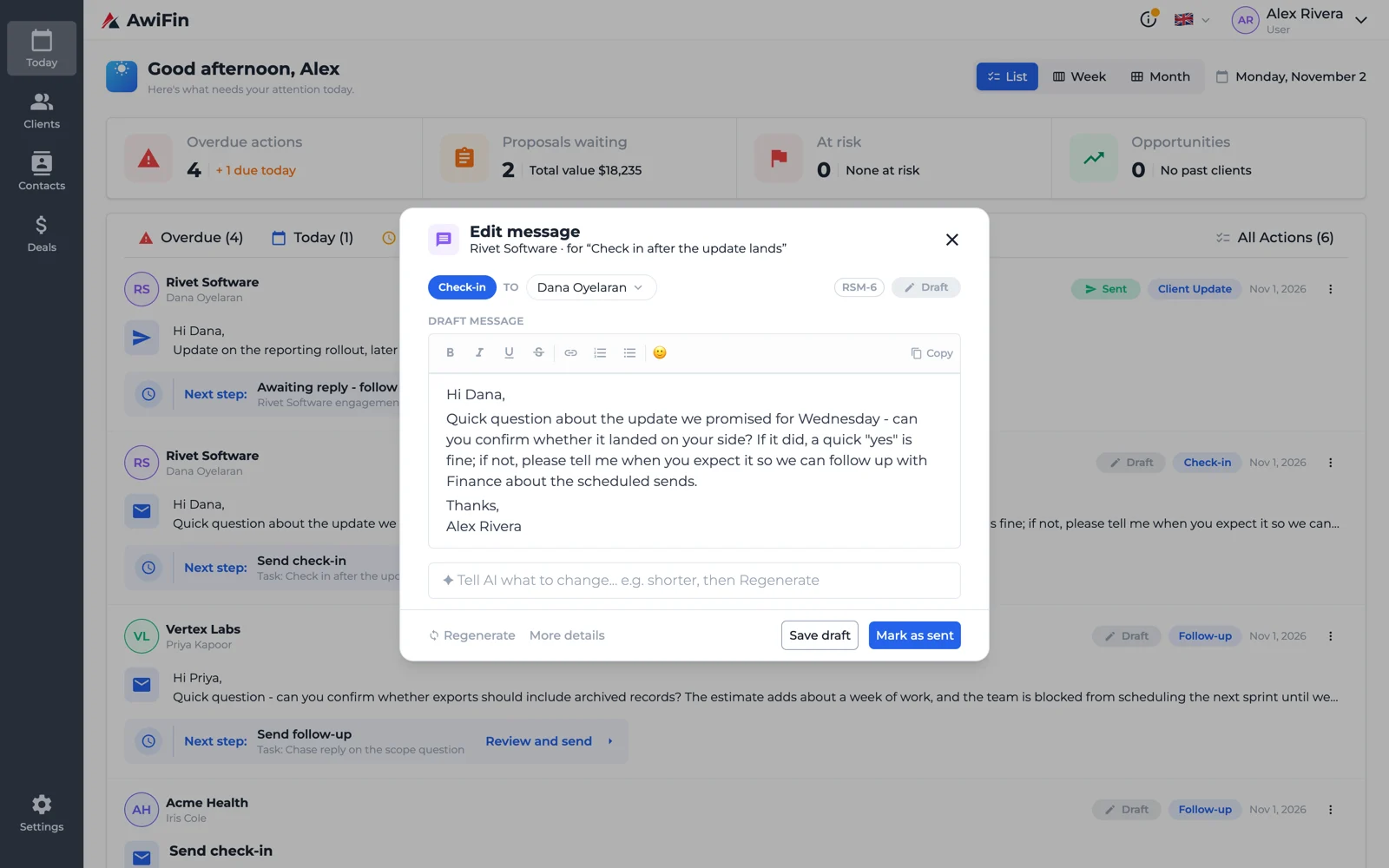
Promises are things someone said they'd do. Approvals are a specific kind of waiting: you need a yes before you can move. Both belong in the same list. See how to track client promises.Waiting items in AwiFin
Sources
- J. M. Darley and B. Latané, Bystander intervention in emergencies: Diffusion of responsibility, Journal of Personality and Social Psychology, 1968.