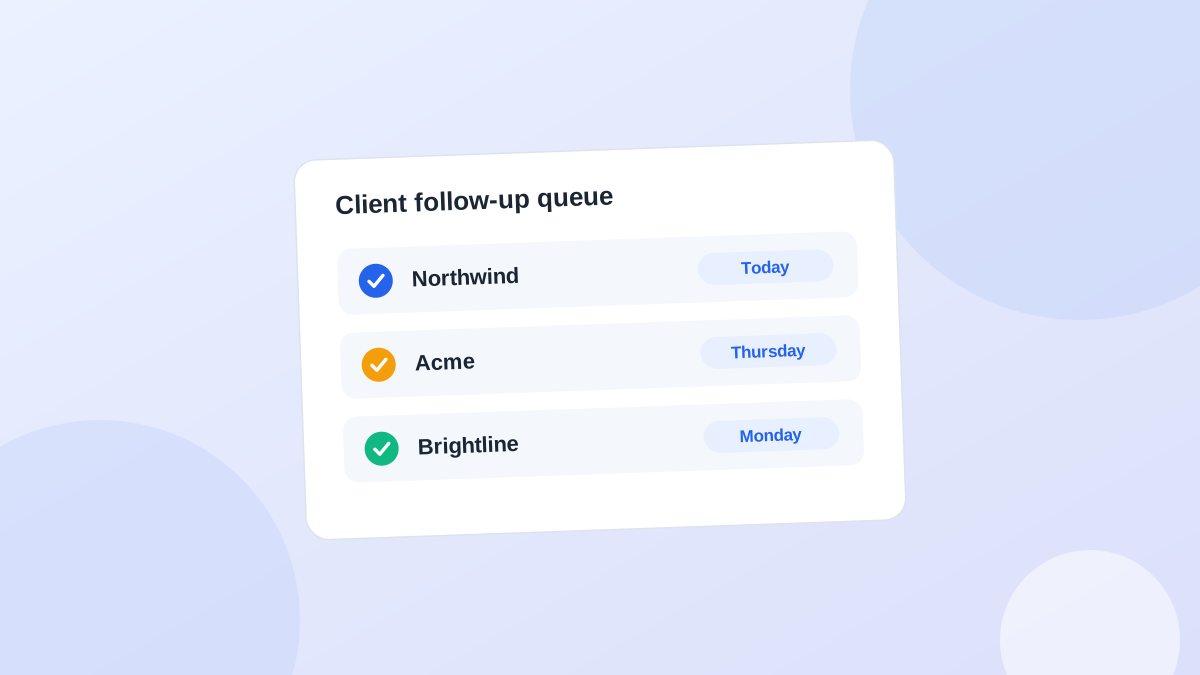
What a follow-up system needs to track
You don't need dozens of CRM fields. Five pieces of information per client are enough:- Last interaction: what happened most recently
- Next action: the concrete thing that should happen next
- Owner: you, a teammate, or the client
- Due date: when it should happen
- Waiting on: whether the ball is with you or with them
ClientLast interactionNext actionOwnerDue
NorthwindProposal sent MonFollow up if no replyYouThu
AcmeAsked for revised scopeSend updated scopeYouToday
BrightlineApproval requestedCheck for approvalYouFri
VertexPromised brand assetsCheck whether assets arrivedYouMon
Separate "last contact" from "next action"
These are two different facts, and mixing them is the most common reason follow-ups get lost.Say you emailed a client yesterday. Your last contact is "sent revised proposal." Your next action is "follow up Friday if there is no reply."If you only record the last contact, you have to decide what to do every time you open the record. A good system stores the next decision in advance.Write next actions you can execute without thinking
"Follow up with Acme" is a bad action. Three days later you still have to reconstruct the context.Compare:- Ask Maya whether the revised homepage has been approved.
- Send James the progress update promised on Tuesday's call.
- Request the missing product images from Priya.
Treat "waiting" as an active state
When you've asked a client for approval, it's tempting to remove the item from your list because you've done your part. That is how approvals disappear for three weeks.Instead of "waiting for approval," record two things: what you are waiting for and when you will check again.Waiting for homepage approval. Check Thursday. If still nothing, send a short reminder.
Work from one daily list
Once the data exists, stop browsing client records. Use one list with four groups:- Overdue: things you should already have done
- Today: actions that need attention now
- Waiting: things with the client, each with a check date
- Upcoming: actions in the next few days, so pressure is visible before it becomes overdue
Set it up in 15 minutes
If you are starting from nothing, do this once:- List every client and open prospect, including anyone you are waiting on.
- For each one, scroll back to the last real conversation and write down what happened.
- Decide the next action and put a date on it. If you truly don't know, write "decide next step" with a date.
- Mark who has the ball: you or them.
- Sort by date. Do the overdue ones first.
Spreadsheet, CRM or a dedicated tool?
A spreadsheet works well for the first ten or so clients. Use these columns: Client, Contact, Last interaction, Next action, Due date, Waiting on, Notes. Sort by Due date and you have your daily list.It starts to creak when you have to remember to update dates by hand, when several people need the same view, or when you want the context ready for writing the message.A full CRM can solve that, but many small agencies already run a CRM for deals, ClickUp or Jira for delivery, Notion for documentation, and Gmail for conversations. Adding another large system can simply create another place to update. The better question is: where can I see everything that needs my attention today?A rule to catch gaps
Every active relationship should be in one of four states:- You owe them something.
- They owe you something.
- You need to contact them on a specific date.
- Nothing is needed, and you've decided that on purpose.
Common mistakes
- Tracking activity instead of actions. A log of everything that happened doesn't tell you what to do tomorrow.
- Dates that mean "sometime." "Follow up soon" never comes back. Use a real date, even if you move it later.
- Too many fields. If updating the record takes longer than the follow-up itself, you will stop updating it.
- No review habit. The system only works if you open it every morning.