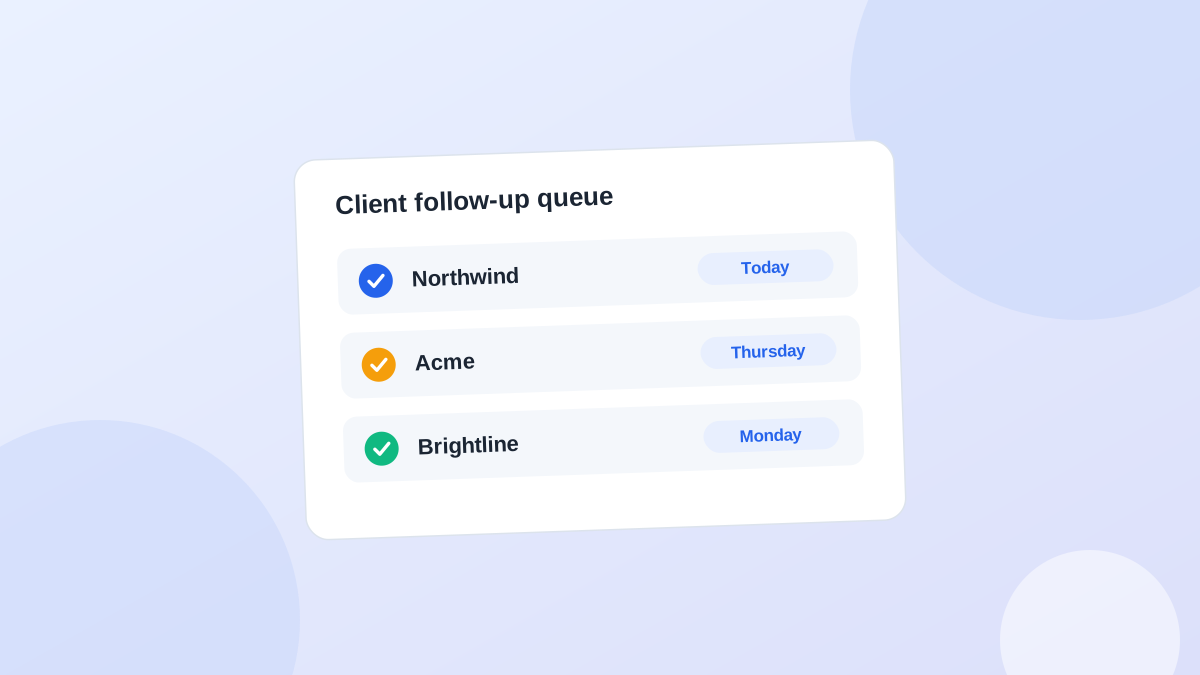
Why the inbox doesn't work as a to-do list
- It's sorted by arrival, not importance. The urgent request from Monday is under forty newsletters from Tuesday.
- One email can hold three requests. Starring the email doesn't tell you which one is still open.
- Requests hide in replies. "Also, could you..." at the bottom of a thank-you note is easy to miss.
- Nothing tells you when. An email has a received date, but no due date.
The two-minute capture routine
When you read a client email, ask one question: does this change what I need to do or what I'm waiting for?If no, archive it. If yes:- Write the next action in plain words: "Send Priya the revised pricing table."
- Give it a date.
- Attach it to the client, not to the email.
- Archive the email.
Spotting the requests that hide
Some requests don't look like requests. Watch for phrases like:- "Could you also..."
- "When you get a chance..."
- "Let's revisit this next month."
- "I'll check with the team and get back to you."
One request, one action
If an email has three asks, create three actions. "Reply to Acme email" isn't an action. You'll open it later and have to re-read the whole thread to remember what's inside.Email saysAction
"Can you resend last month's report?"Resend October report to Mark (today)
"Also, could the logo be bigger?"Increase logo size on homepage (Wed)
"I'll get you the copy by Friday."Waiting: homepage copy from Mark (check Mon)
Classify the request before you capture it
Not every client request is the same kind of work, and treating them all as "to-dos" is how agencies give away hours. Before you write the action, decide which bucket it's in:TypeExampleWhat to do
In scope"Can you add the team photos to the About page?" (the page is in the agreed scope)Capture and do it
Small favour"Could you resize this logo for our newsletter?"Do it if you like, but name it: "happy to do this one as a favour"
Change request"Can we add a members-only area?"Don't start. Reply with scope, price and timeline impact first
Question"How do we update the menu ourselves?"Answer, and consider adding it to a client help doc
Happy to do this. A members area is outside the current scope, so here are two options: we add it as a small phase two (roughly 3 days, I'll send a quote), or we swap it for the blog section, which hasn't started yet. Which would you prefer?Keep a running list of favours too. At the end of the month, it's useful evidence when you discuss the next retainer or a price change.
Should you automate this?
Partly. Some tools can read your inbox and suggest actions from client emails. That's useful for catching the buried "could you also" requests. But keep a person in the loop:- Let software suggest. It's good at noticing that an email contains a request.
- You decide. You know whether "let's revisit next month" is a real commitment or a polite brush-off.
- Don't auto-send replies. A generic automated answer to a client request does more harm than a slightly slower human one.
A daily inbox habit
- Process client emails in one or two batches a day, not as they arrive.
- Capture actions as you go, archive as you go.
- Then close the inbox and work from your action list.
Common questions
What about requests made in Slack or on calls?
Same rule. Wherever the request arrives, capture it as an action with a date in one place. See what to capture after a client call.Should I forward emails into a task tool?
Forwarding works, but it often creates tasks titled "Fwd: Re: Re: Update" with no clear action. Take ten seconds to write the action in your own words.How do I handle teammates who get client requests too?
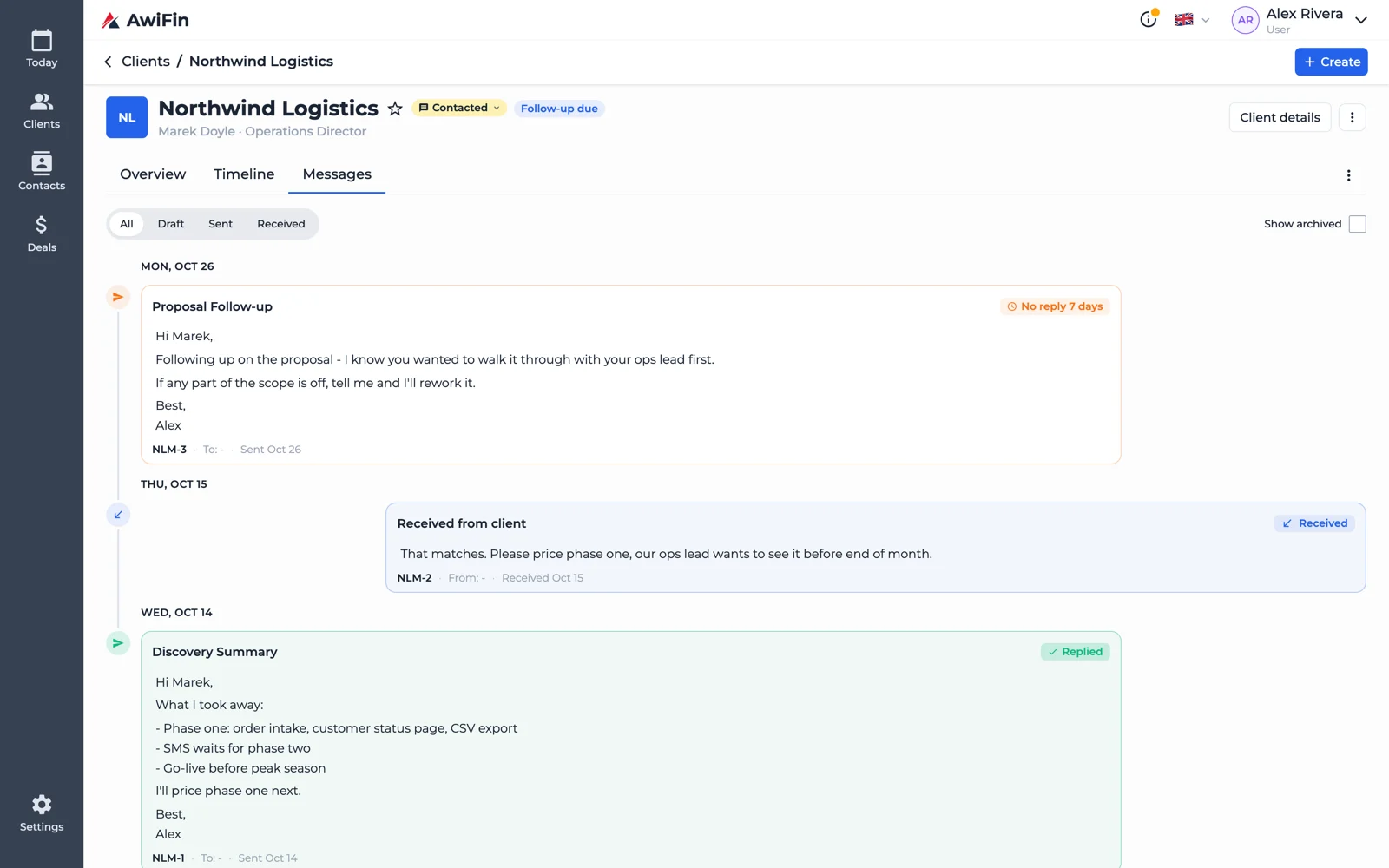
Agree that every client request becomes an action on the client record, whoever received it. Otherwise each person has their own private inbox list.Client email in AwiFin
Sources
- Project Management Institute, Scope Patrol, PM Network, reporting the 2018 Pulse of the Profession survey.