Free CRM for Small Agencies: What You Actually Need Before You Pay

What a free CRM for a small agency must include, where free plans hit their limits, and how to start tracking clients and follow-ups without paying.
Oct 13, 20265 min read
Short answer: a free CRM is enough for a small agency if it tracks every active client, the next action with a date, and your notes, all in one place. Start paying when you outgrow the client limit or need teammates in the same workspace. Not before.Most agencies start with a spreadsheet, a notes app, or a pile of starred emails. Honestly, that's fine for a while. It stops being fine the first time a proposal goes quiet and you only notice two weeks later.A free CRM is the obvious next step. The catch is that "free" means very different things. Some free plans are genuinely useful. Others are a trial with the expiry date hidden in the small print.

The five things that matter

Ignore the feature comparison tables for a moment. For a small agency, a free CRM needs:
  1. A record per client: company, contacts, stage and deal value
  2. A next action with a date: the specific thing that happens next
  3. Notes and history: what was said, promised and decided
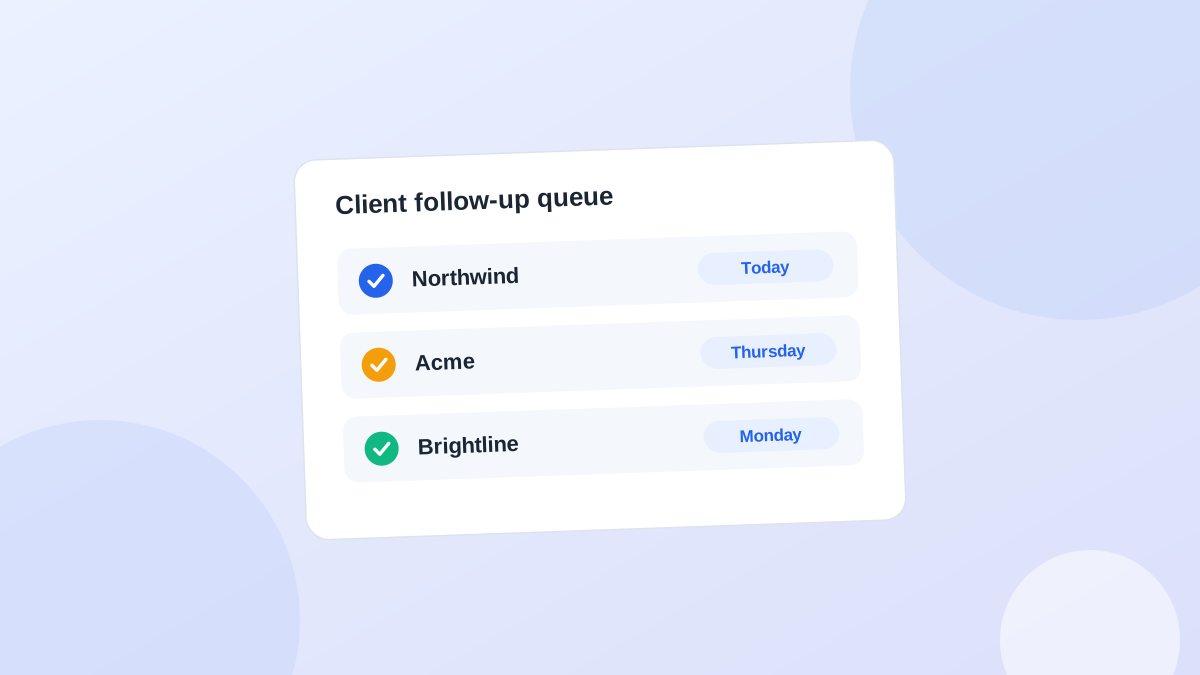
  4. A daily view: who needs you today, already sorted
  5. No credit card to start: you should see it working before anyone asks for billing details
If the free plan has all five, you can run your real pipeline on it. If the daily view or next actions are locked behind a paid tier, it's a demo, not a plan.

Where free plans usually stop

Every free plan has limits, and that's fair. The useful question is which limit you'll hit first.
What gets cappedWho feels it first
Number of active clients or dealsAgencies with a busy pipeline
Team membersAnyone sharing follow-ups with a colleague
History and notesLong projects and repeat clients
Automation and AIPeople who write a lot of client messages
Client limits are the most honest kind, because they grow with how much you actually use the tool. Be wary of plans that cap history or notes. That's the part you'll lean on six months from now.

Why not just keep the spreadsheet?

A spreadsheet is free too. Fair question. The difference shows up on a busy Monday:
  • A spreadsheet stores rows. It doesn't tell you what's overdue.
  • Your notes live in a different file from the contact.
  • Nothing reminds you about the promise you made three weeks ago.
A good free CRM replaces "open the sheet and scan every row" with a list that's already sorted by what needs you.

Test it in one afternoon

Don't import your whole contact list on day one. Try this instead:
  1. Add the five clients you're actively chasing right now.
  2. Give each one a concrete next action and a date.
  3. Note the last thing you promised each of them.
  4. Tomorrow morning, open the daily view and work only from that.
If you get through the morning without opening your inbox first, it fits. If you keep sneaking back to the old spreadsheet, it doesn't. Either way you've lost one afternoon, not a month.

When to start paying

Upgrade when one of these is true:
  • You have more active clients than the free plan allows.
  • A teammate needs to see and update the same follow-ups.
  • You want more AI help drafting messages than the free allowance gives you.
Until then, stay free. Paying early mostly buys features you won't touch.

Common questions

Is a free CRM safe for client data?

Check where the data is stored, whether you can export it, and whether the company explains how it handles privacy. If there's no way to export, walk away.

Can freelancers use a free CRM?

Yes, and a one-person free plan often fits a freelancer perfectly. Your main problem is remembering who to follow up with, not managing team permissions.

Will I lose my data when I upgrade?

You shouldn't. Upgrading should just raise your limits, not move you to a new workspace. Check this before you commit to any tool.

How AwiFin's free plan works

AwiFin has a free plan, no credit card needed. You get up to 5 active clients and 30 contacts, unlimited notes and follow-ups, and a basic monthly AI allowance for drafting messages. The daily view shows who's overdue, due today or waiting, so you always know who to chase. When you need more clients or a teammate, you upgrade in the same workspace and keep everything.
Was this article helpful?One click, no sign-up needed.
Turn next actions into progressTrack every follow-up. Prepare your next message.
TagsClient managementClient communicationAgency workflow
DM
Written by Dariusz M.AwiFin founder writing practical workflows for small agencies.
More articles →